Home / Services / Document Signer .pfx Software

Document Signer Support

Setting up software for your Document Signer .pfx certificate

Once your Document Signer certificate is issued as a .pfx file, you'll need signing software or an API integration to actually apply it to your documents. Here's how we help.
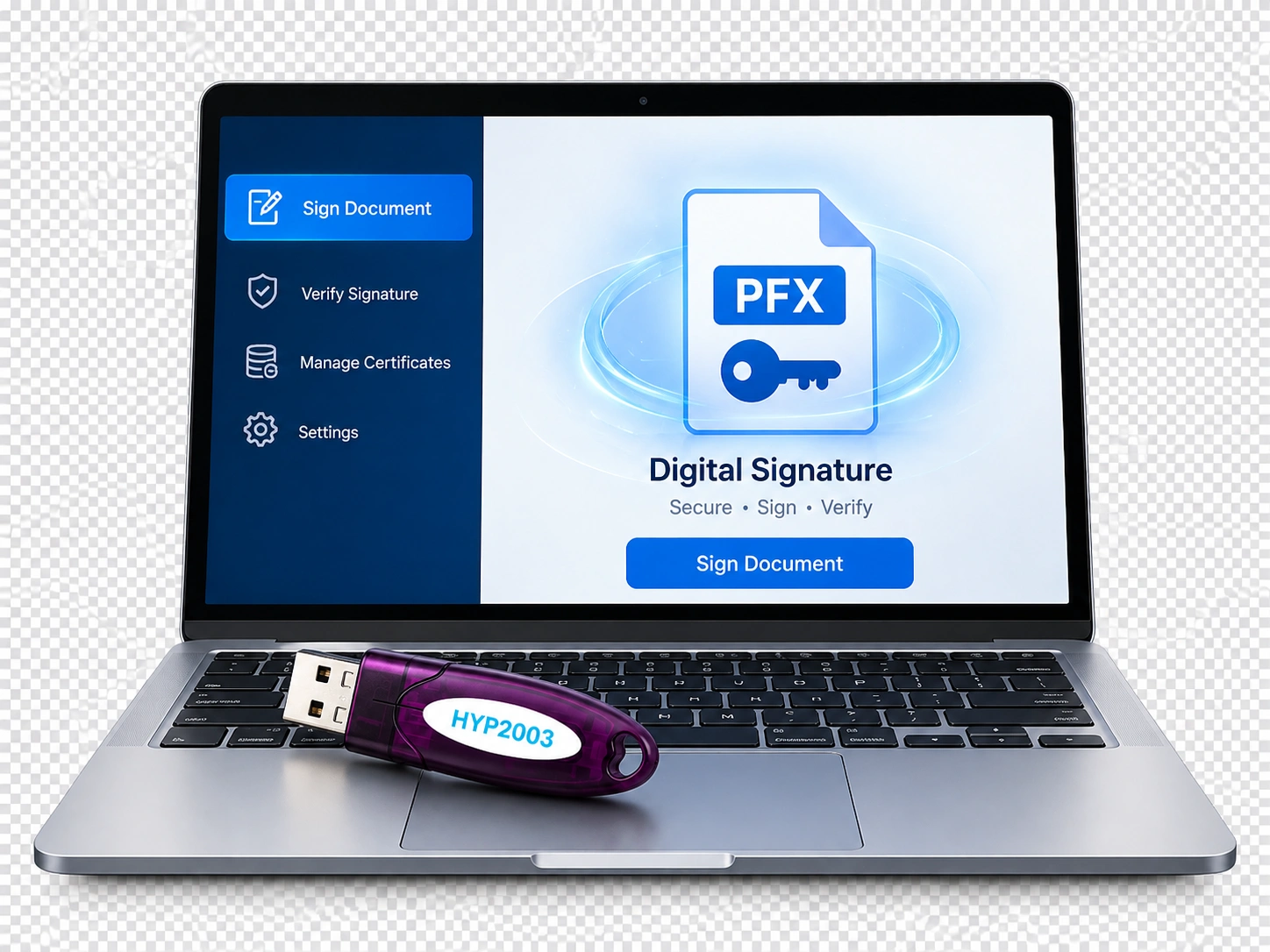
From .pfx file to working signing setup

Getting the certificate is only half the job, we help you get it actually signing documents, whether that's a desktop tool or an API integration.

Guidance on PDF signing tools compatible with .pfx certificates
Support for bulk/batch signing setups
Help connecting your .pfx certificate to an ERP or billing system via API
Enquire Now

Certificate type required

Document Signer DSC (.pfx file)

Unlike token-based DSCs, a Document Signer certificate is delivered as a .pfx file by email, designed for automated or bulk signing rather than a person manually signing each document.

Issued to your organization for use in an automated signing pipeline, not tied to a physical token.

Where it's used

Adobe Acrobat (manual PDF signing) Bulk signing tools ERP / billing software API integration

Common ways businesses use their .pfx certificate

What software you need depends on your volume and whether signing needs to be automated.

How it works

1

Tell us your setup

Let us know your signing volume and whether you need manual, batch, or API-based signing.

2

We recommend a tool or approach

Based on your existing software, ERP, billing tool, or a standalone signer.

3

Import your .pfx certificate

We guide you through securely importing it into your chosen tool.

4

Test & go live

Sign a test document to confirm everything's working before full rollout.

Starting from ₹8,260 (certificate cost, excl. token & support)

Document Signer pricing varies by class and CA - compare all options with our instant calculator.

See Exact Price →

Free delivery, PAN India

Every USB token ships free, anywhere in India. Need it faster? Pick it up same day, or book your own urgent courier.

Doorstep delivery

Standard doorstep delivery

Free, on every order.

  • 2-3 working days within Maharashtra
  • 4-7 working days across the rest of India

Same-day office pickup

Verified the same day, ready to collect the same day.

Unit 524, Neelkanth, Lal Bahadur Shastri Marg, Nityanand Nagar, Ghatkopar West, Mumbai 400086

Urgent? Book your own rider

For same-hour delivery in Mumbai, book a courier directly to collect your token from our office, on Borzo, Porter or Uber.

Frequently asked questions

Common PDF tools like Adobe Acrobat can use a .pfx certificate for manual signing. For bulk or automated signing, you'll typically need a dedicated batch-signing tool or API integration.

We can guide your team through the setup and troubleshoot import issues, for custom ERP/API integration, we'll point you toward what's needed and support where we can.

Yes, it's password-protected, but keep that password secure and don't forward the file unnecessarily, treat it like any other credential.

Get your Document Signer set up right

Tell us about your signing volume and software on WhatsApp, and we'll guide you through setup.

Chat on WhatsApp

Trusted & associated with

eMudhra Capricorn Identity Services SpeedSign Certifying Authority vSign Watchdata Proxkey HyperSecu Precision InnaIT