DSC Digital Signature

Home / Resources / ProxKey Not Working

DSC Problem

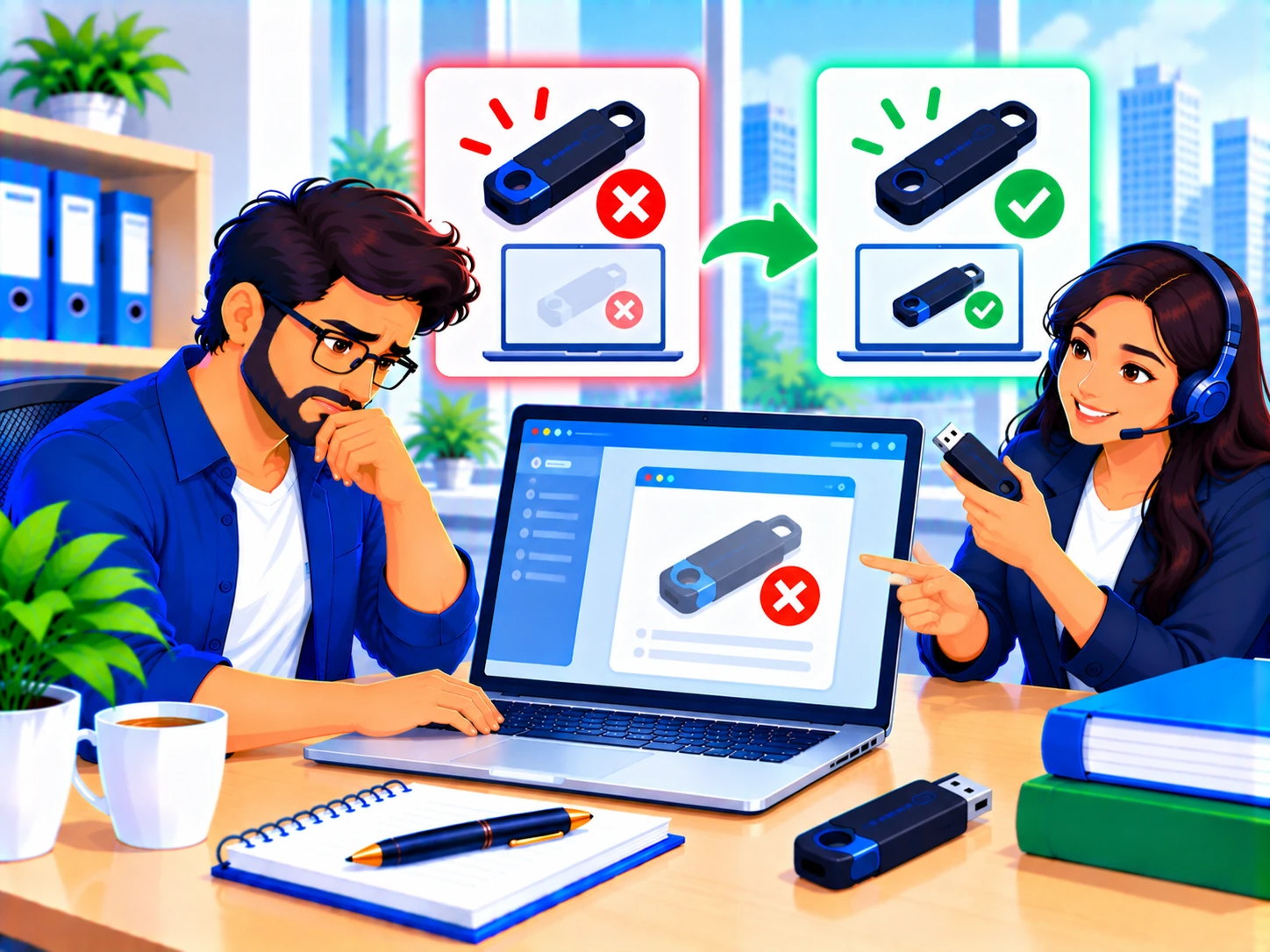
ProxKey not working? Here's how to fix it

Wd Proxkey is manufactured by Watchdata, so "Watchdata not working" and "ProxKey not working" refer to the same token, here's the fix either way.

Same-Day Verification Free PAN India Delivery Pay Only After Approval 4.8★ Rated Need help? Enquire →

Common ProxKey / Watchdata issues

If you see thisTry this
Token not detected Install or reinstall the Watchdata/Proxkey driver, then reconnect the token to a direct USB port.
Token utility won't open Reinstall the Proxkey management software, running the installer as Administrator.
Forgot PIN, or PIN not accepted Stop guessing after 1-2 failed attempts, see our dedicated PIN reset guide before you risk a permanent lock.
Certificate not visible in signing tools Restart your browser after any driver reinstall, and confirm the Proxkey utility is running in the background.

Still stuck with your ProxKey token?

We provide remote troubleshooting, and can issue a replacement token if yours has failed or is permanently locked.

Remote troubleshooting for Proxkey/Watchdata issues
Same-day replacement if needed
Support regardless of your original CA

Frequently asked questions

Yes, Watchdata Technologies is the manufacturer, ProxKey is the product name, they're the same token.

See our dedicated DSC Password Reset guide, and stop attempting logins after 1-2 failures to avoid a permanent lock.

Related guides & services