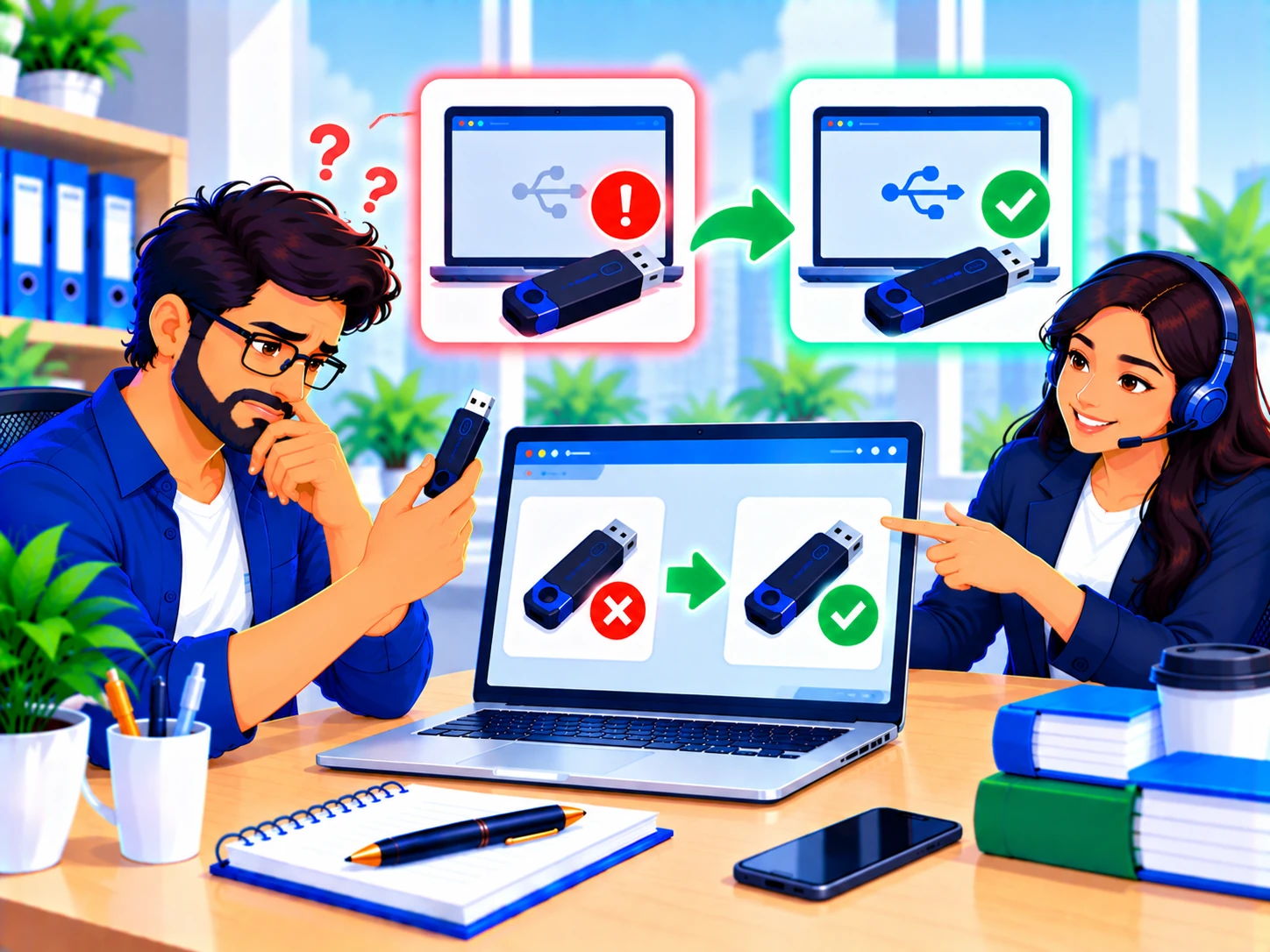
DSC Problem
Works across every token brand, Proxkey, InnaIT, HypSecu, ePass, Bit4id, since the causes are usually the same.
| If you see this | Try this |
|---|---|
| Token not fully seated in the USB port | Remove and firmly reconnect the token, try a different USB port, preferably directly on your computer rather than through a hub. |
| Drivers not installed or outdated | Download and install the latest driver from your token manufacturer's official site, then restart your computer. |
| Token management software not running | Some tokens need their management utility running in the background to be detected by browsers or signing tools, check it's open. |
| Windows doesn't recognize the device at all | Check Device Manager for any USB device showing an error icon, this indicates a driver or hardware issue distinct from a software detection problem. |
| Token physically damaged | If it's not detected on multiple computers and USB ports, the token itself may be faulty, contact your CA about a replacement. |
Try the token on a different computer. If it's detected there, the issue is with your original system's drivers or configuration. If it's still not detected anywhere, the token itself is likely the problem.
We offer remote troubleshooting for token detection issues, and can issue a replacement if your token has failed.
Using a USB port directly on your computer (not through a hub or dock) is more reliable, hubs can sometimes cause detection issues.
Occasionally, some security software can interfere, try temporarily disabling it if other fixes don't work.